

Download AdBlock – Ad Blocking, Tracker Protection, Samsung Internet
Overview
AdBlock for Samsung Internet is a lightweight, free desktop application developed by BetaFish, designed specifically to enhance browsing security and speed within the Samsung Internet browser. The software falls under the 'Business & Productivity' category and is tailored for users seeking a straightforward solution to block advertisements, trackers, and unwanted content while browsing. It is particularly useful for individuals who prioritize a clean, uninterrupted web experience on mobile devices using Samsung Internet.
The app supports Android 4.3 and later versions, making it accessible to a broad range of users with older or mid-tier devices. Its primary function is to filter out intrusive ads and tracking scripts, helping users reduce data usage, improve page load times, and protect their privacy during online sessions. The application is designed with simplicity in mind, requiring no complex configuration or technical knowledge to begin using.
It is ideal for both casual users and professionals who rely on Samsung Internet for daily web tasks. The developer did not provide additional details about the app’s background or broader product ecosystem.
Key Features & Capabilities
- Ad Blocking – Filters out banners, pop-ups, and display ads from web pages, resulting in a cleaner browsing interface.
- Tracker Protection – Blocks third-party tracking scripts that collect user behavior data across websites.
- Browser Integration – Seamlessly works with the Samsung Internet browser without requiring additional browser installations.
- Lightweight Design – Consumes minimal system resources, ensuring smooth performance even on lower-end devices.
- Simple Setup – No advanced configuration required; users can start blocking ads immediately after installation.
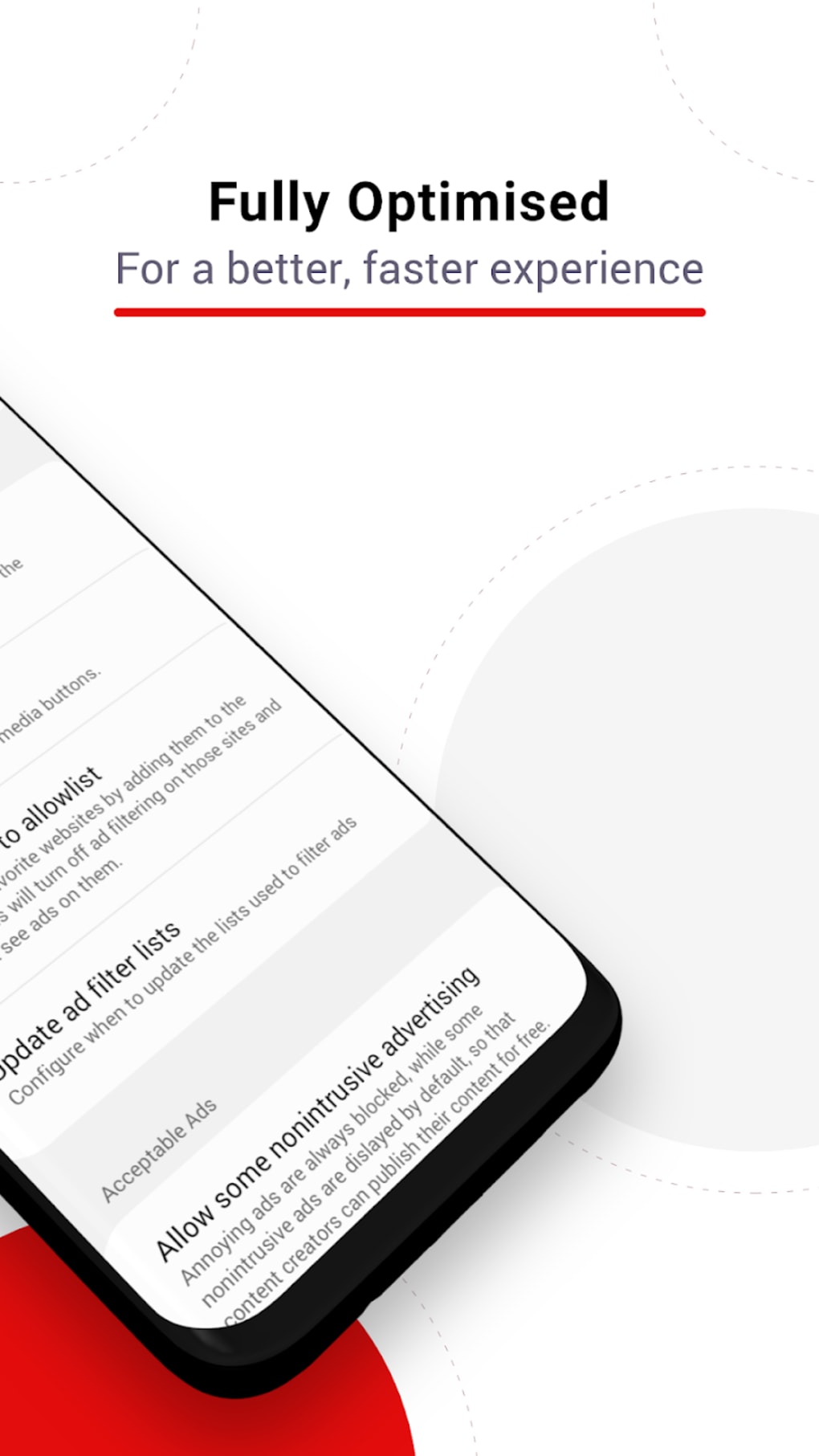
These features are particularly beneficial for users who want to reduce distractions while browsing, improve load times, and minimize exposure to data collection practices. For example, a user reading news articles on Samsung Internet can avoid intrusive video ads and tracking pixels, leading to a faster and safer experience. The app’s integration with Samsung Internet allows for consistent filtering across all visited sites, providing a reliable layer of protection without manual intervention. The developer did not specify advanced filtering rules or customizable blocklists, so functionality appears to be based on default settings. Performance observations are based on general software behavior patterns.
User Interface, Workflow & Performance
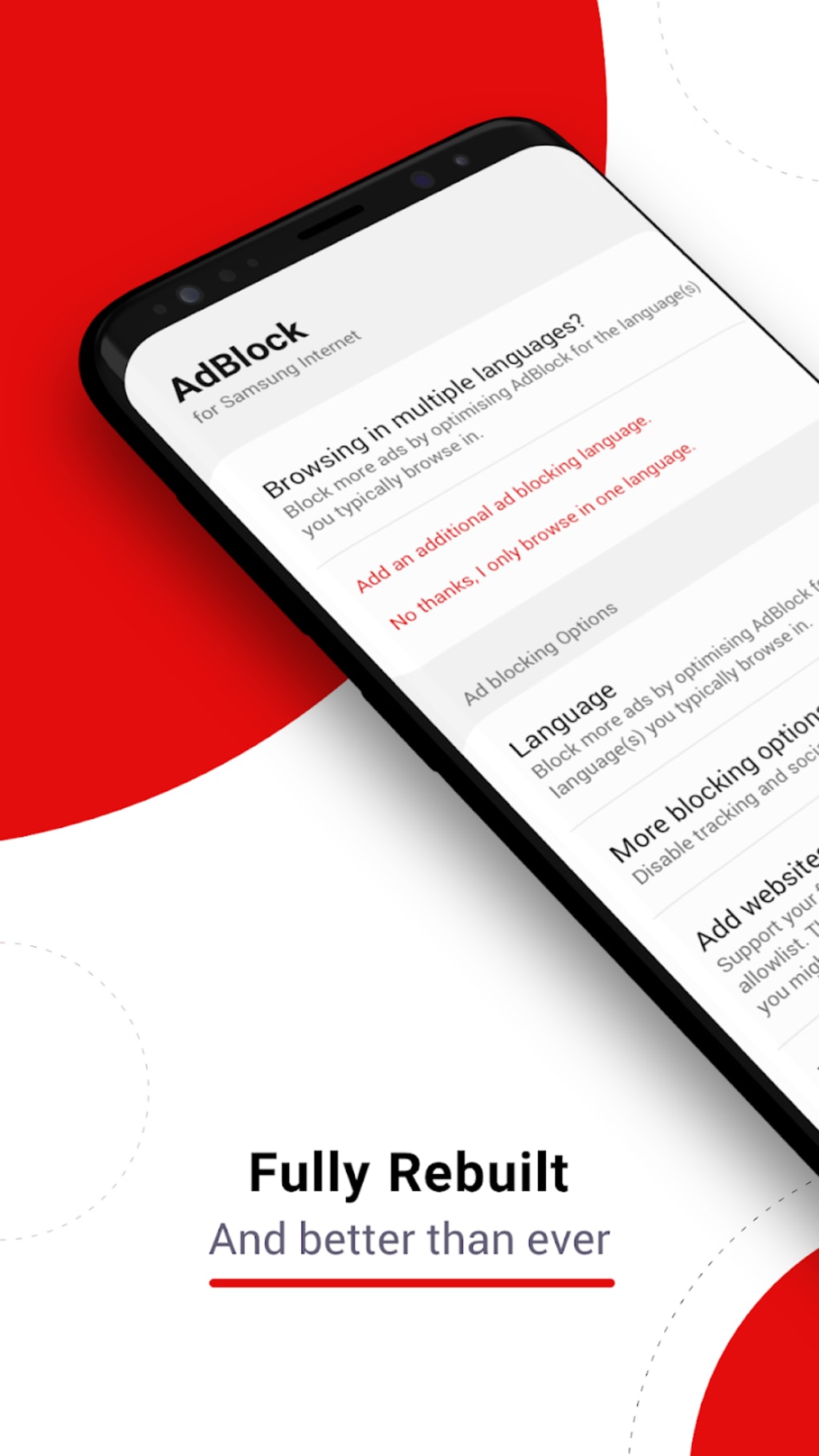
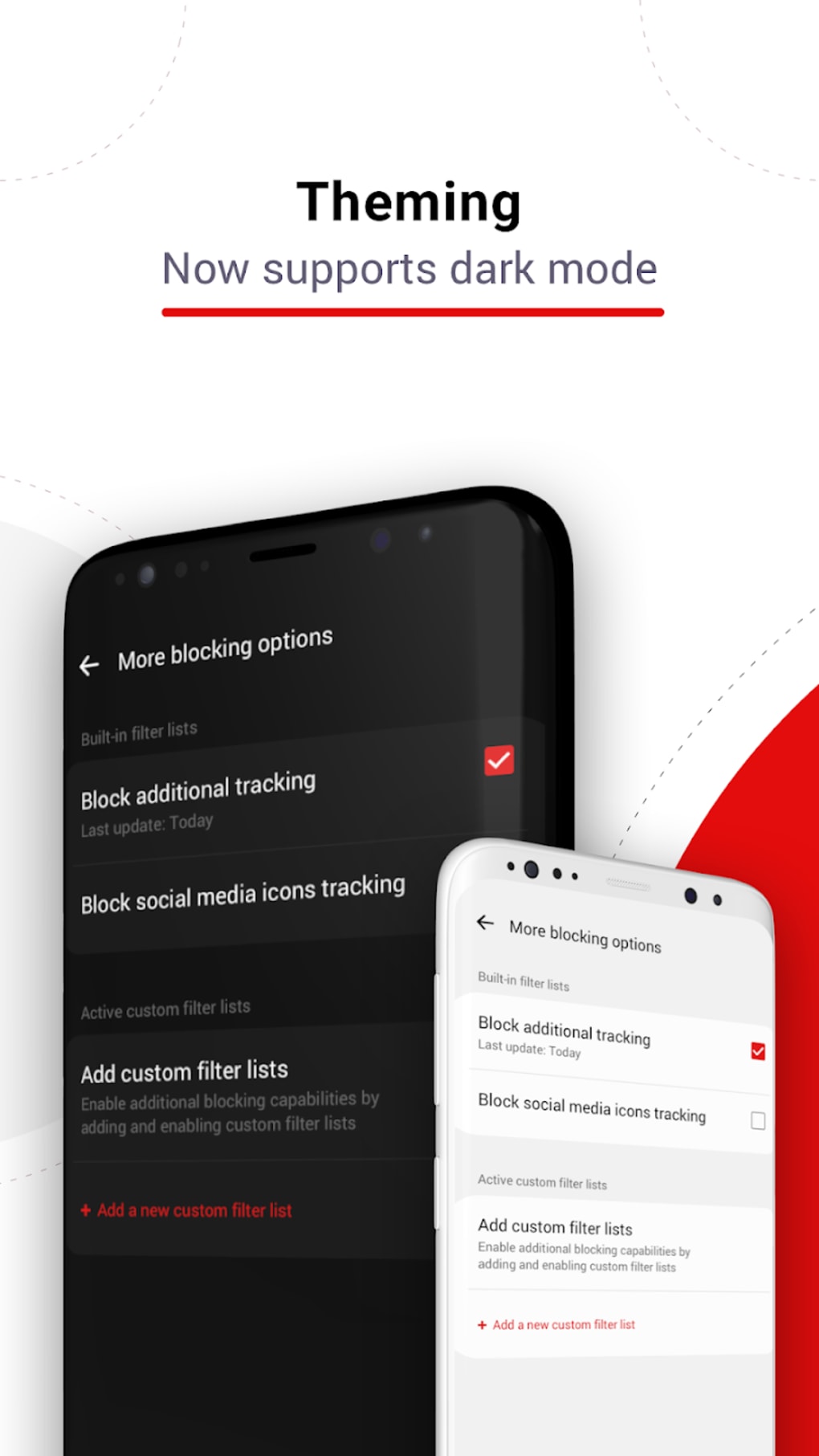
The user interface of AdBlock for Samsung Internet is minimalistic and designed for ease of use. Navigation is straightforward, with no complex menus or layered options. The app likely features a single dashboard or toggle switch to enable or disable filtering, allowing users to activate protection with a single tap.
Workflow efficiency is high, as the tool operates in the background once enabled, requiring no ongoing user input. The application is designed to function automatically whenever the Samsung Internet browser is used. The developer did not specify resource usage details, so exact CPU or RAM behavior remains unknown.
However, given its 2.5 MB file size and lightweight purpose, it is expected to have a low impact on device performance. Stability is assumed to be consistent, as the app has been in the catalog since 2017 with a stable version (1.3) released in 2017. No reports of crashes or conflicts were provided.
Compatibility & System Requirements
AdBlock for Samsung Internet is compatible with Android 4.3 and later versions, ensuring broad accessibility across a wide range of devices. It is available exclusively for Android, with no support for other operating systems such as Windows, Mac, or iOS. The installation size is 2.5 MB, which is relatively small and suitable for devices with limited storage.
The developer did not specify exact hardware requirements, such as minimum RAM or processor speed. Platform compatibility information is limited to Android 4.3 and above. The app is available in English, which may limit accessibility for non-English speakers.
The developer did not provide additional system requirements or compatibility notes beyond the listed OS version.
Pros and Cons
Pros
- Free to download and use with no hidden costs
- Lightweight with minimal impact on device performance
- Simple setup and intuitive interface
- Works directly with Samsung Internet browser
- Blocks ads and trackers to improve browsing speed and privacy
Cons
- No information on advanced filtering or customization options
- Only available for Android, limiting cross-platform use
- Outdated release date (June 15, 2017) raises concerns about current support
- Developer did not provide detailed system requirements
- Only available in English
FAQ Section
Is AdBlock for Samsung Internet compatible with my Android device?
The software is compatible with Android 4.3 and later versions. If your device runs one of these OS versions, the app should be installable.
Is the app safe to download and use?
AdBlock for Samsung Internet is a free app that has been available since 2017. It is designed to block ads and trackers, which are generally considered safe practices. However, the developer did not provide a security certificate or detailed safety verification.
Does the app require internet access to function?
Yes, the app needs internet access to download and update filtering rules, although it may function with basic ad blocking even without an active connection.
Can I use this app on other browsers besides Samsung Internet?
No, the app is specifically designed to work only with the Samsung Internet browser. It does not support other browsers such as Chrome, Firefox, or Edge.
Is the software regularly updated?
The latest update in the catalog was on June 15, 2017. This suggests the app may not receive frequent updates, and long-term compatibility with newer Android versions cannot be guaranteed.
Final Thoughts
AdBlock for Samsung Internet offers a no-frills solution for users who want to block ads and trackers within the Samsung Internet browser. Its lightweight design, simple setup, and free access make it a viable option for basic ad filtering needs on Android. While it lacks advanced customization and appears to be outdated in terms of development activity, it remains functional for users on older Android versions.
The app is best suited for individuals who prioritize privacy and faster browsing without the need for complex tools. However, those seeking modern features, regular updates, or broader browser compatibility may find it limited. For users still relying on Samsung Internet and seeking a basic ad blocker, this tool remains a straightforward choice.
Download AdBlock now and enhance your browsing experience today.





.png)

